Safety7 min readUpdated August 12, 2026
Five Ways to Stay Safe Online
Five habits that stop the overwhelming majority of online trouble. None of them require you to be technical, and all five can be done this week.
Most advice about staying safe online is written by people who already understand it. It arrives as a long list of things you are apparently doing wrong, and the result is usually that nobody does any of them.
So here are five, in order of how much protection each one buys you for the time it takes. If you only ever do the first one, you will have shut the door that most trouble comes through.
1Turn on two-step verification, starting with email
Two-step verification — sometimes called two-factor authentication or 2FA — means that after your password, the service also sends a short code to your phone. Someone who steals your password still cannot get in, because they do not have your phone.
Do your email account first, before your bank. That surprises people, but email is the master key: if someone controls your email, they can reset the password on almost every other account you own, including the bank. Protect the key and you protect the whole keyring.
It takes about ten minutes per account. The setting is usually found under:
- Gmail: your profile picture → Manage your Google Account → Security → 2-Step Verification
- Outlook / Hotmail: Account → Security → Two-step verification
- iCloud / Apple: Settings → your name → Sign-In & Security → Two-Factor Authentication
- Yahoo: Account Info → Account Security → Two-step verification
2Stop trying to remember passwords
Forgetting passwords is not a memory problem. It is an arithmetic problem: nobody can hold forty different strong passwords in their head, so everybody reuses a few. And reuse is the real danger — when one company gets breached, criminals try that same password everywhere else, automatically, within hours.
The fix is a password manager: a single secure app that remembers every password for you, so you only ever memorise one. The good ones fill the password in for you, which has a useful side effect — they will not fill it in on a fake website, because the address does not match. Your password manager will spot a counterfeit login page faster than you will.
3Treat unexpected contact as unverified until proven otherwise
Here is the single most useful thing to know about modern scams: the contact almost always comes to you. A call, a text, an email, a pop-up. Something arrives claiming there is a problem — with your Amazon order, your bank account, your computer, your Medicare, your grandson.
The defence is not cleverness. It is a procedure, and it is always the same one: hang up, delete, or close the message — then contact the company yourself using a number you already had. The back of your bank card. A previous statement. The number saved in your phone from last time.
Never the number in the message. That number is the scam. A genuine bank will be entirely happy for you to hang up and call them back; in fact, they will approve.
4Install the updates
Those notifications asking to update your phone or computer are not sales pitches. Most software updates exist because someone found a security hole, and the update closes it. Postponing them for months leaves the hole open — and criminals specifically target the holes that are already public knowledge.
Turn on automatic updates and let them happen overnight while it is charging. Two things worth doing alongside it:
- Turn on automatic backup for your photos and documents, so a broken or stolen device is an inconvenience instead of a loss.
- Use a lock code on your phone. A phone with no lock code is somebody else's email, banking, and photo album the moment it is left on a counter.
5Have someone to ask — and use them
This is the habit that makes the other four resilient, and it is the one people skip. Every scam depends on you deciding alone, quickly, under pressure. A second opinion collapses that entirely.
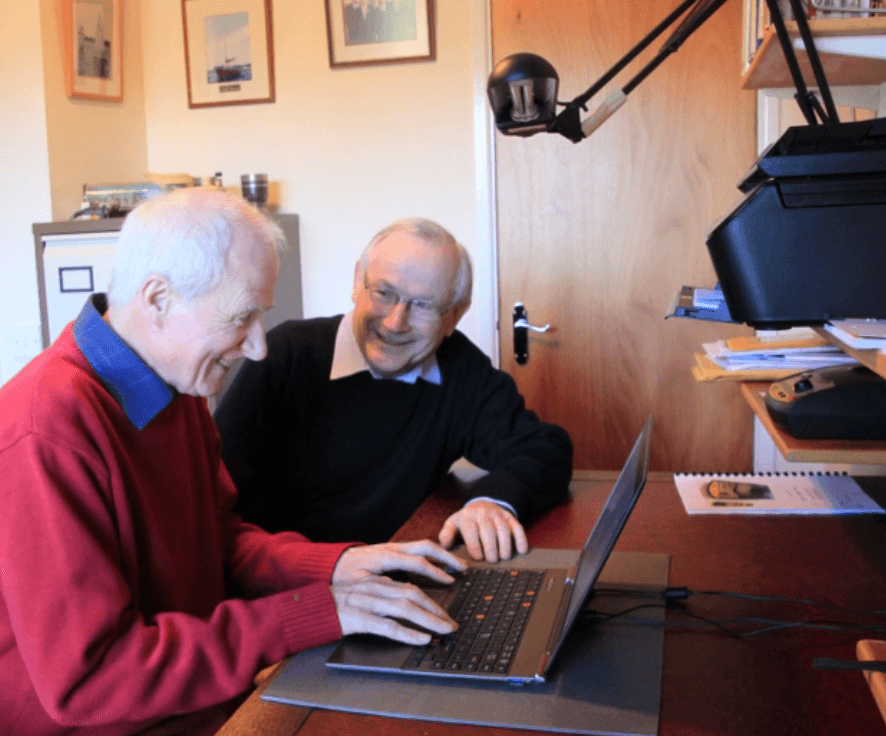
It does not have to be us. A son, a neighbour, a friend who is good with this — anyone whose only involvement is to look at it calmly. What matters is that asking feels normal and easy, so you actually do it at 8pm on a Sunday when the message arrives.
What we do add is that we are never busy, never impatient, and never tired of the question. Members send us anything they like, as often as they like, and get one plain answer back: safe, suspicious, or scam — do not respond. No limit, and no judgement.
If you do only one thing this week
Turn on two-step verification for your email. Ten minutes, and it removes the most common route into everything else you own.
Then, when you have a spare two minutes, — ten plain statements that show you which of these five you have covered and which are still open. Or skip straight to the practical part and read How to Detect Scams in Your Email, which walks through a real message line by line.
And if something is sitting in your inbox right now that you are not sure about, call (832) 952-7770. We will look at it with you. There is no charge for a single check, and there is no such thing as a silly question here.
Written by the Tech Peace team
We wrote this from the questions our clients actually ask. If something here is unclear, or you want to check a specific message you have received, call (832) 952-7770 — we will not charge you to look at one email.